0984
Memory and Storage
Hardware · 4 question types
Cloud storage is that lives on remote servers owned by a third-party provider, accessed over the internet rather than from a local drive.
Files saved to "the cloud" are actually written to physical drives (usually HDDs or SSDs) in a data centre. The user never sees or touches those drives directly; the cloud provider handles the hardware, backups, security and maintenance.
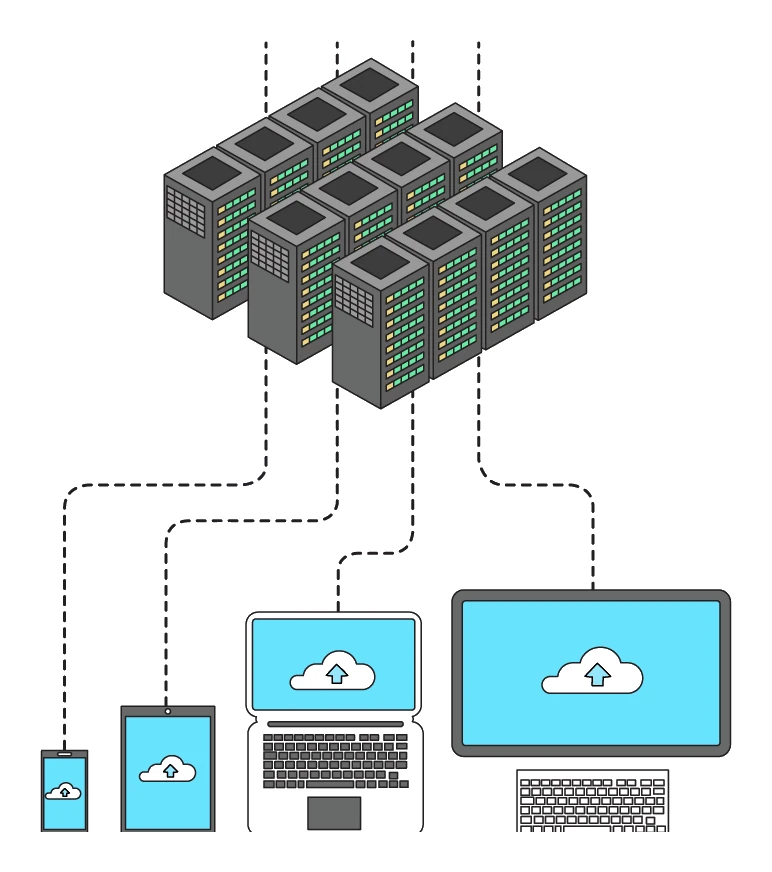
Common cloud storage services: Google Drive, OneDrive, Dropbox, iCloud, Amazon S3.
Advantages of cloud storage
- Reach your files from anywhere that has an internet connection, on any compatible device.
- Automatic backups: the provider replicates each file to several physical drives, so a single drive failure does not lose data.
- Easy sharing and collaboration: multiple users can read and edit the same file at once.
- Effectively unlimited capacity (subject to subscription).
- No need to buy or maintain local storage hardware.
- One data centre is more energy-efficient than millions of personal drives.
Disadvantages of cloud storage
- Needs a working internet connection; if the link drops, the files become unreachable.
- Ongoing cost: cloud storage is usually a monthly or annual subscription. For large datasets, this can be expensive over time.
- Transferring large amounts of data is slow and may use a lot of bandwidth.
- Privacy and security concerns: data sits on someone else's servers; if the provider is hacked, files could be exposed.
- Legal responsibility for personal data still sits with the user, even though the data lives at the provider.
- No control over physical security: the user must trust the provider's procedures.