Internet and Networking
Internet and Its Uses · 4 question types
Every network needs a small set of physical components. Five are commonly listed.
Network Interface Card (NIC)
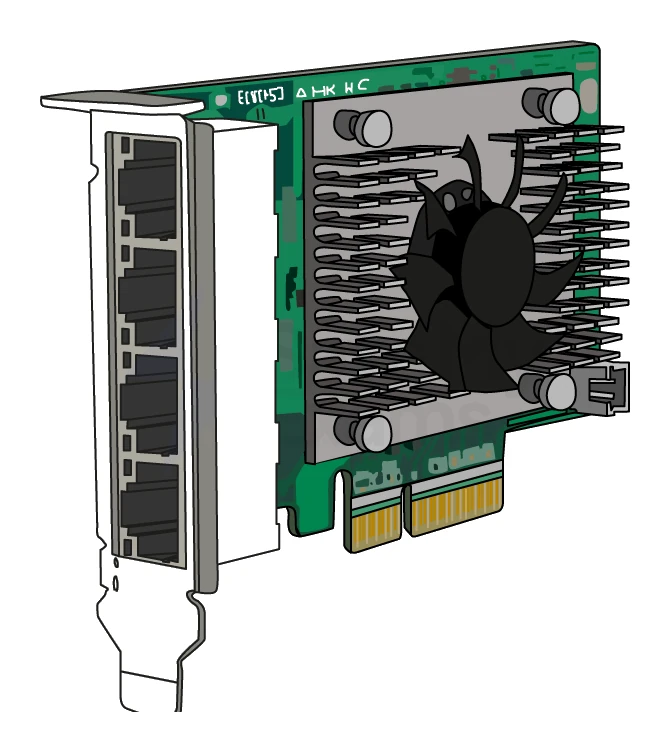
A Network Interface Card (NIC) is the piece of hardware inside a device that lets it connect to a network.
- Every computer, phone, printer or smart-home device with networking has a NIC.
- A NIC can be wired (Ethernet socket) or wireless (Wi-Fi antenna).
- The NIC is the part that physically sends and receives data over the network.
- Each NIC carries a unique burned in at manufacture (covered in section 3).
Router
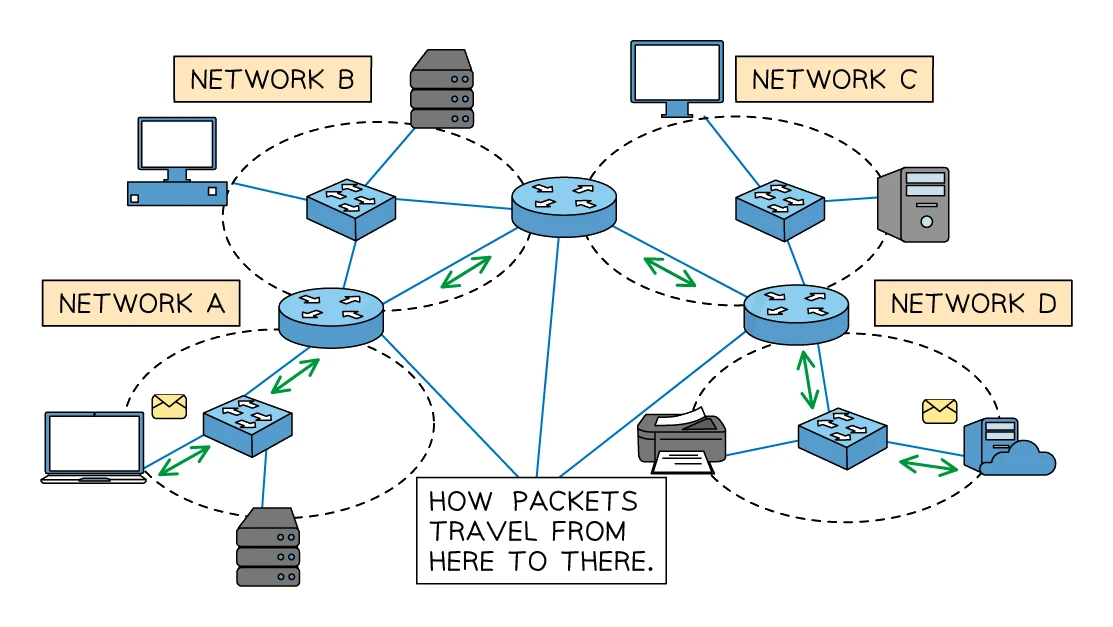
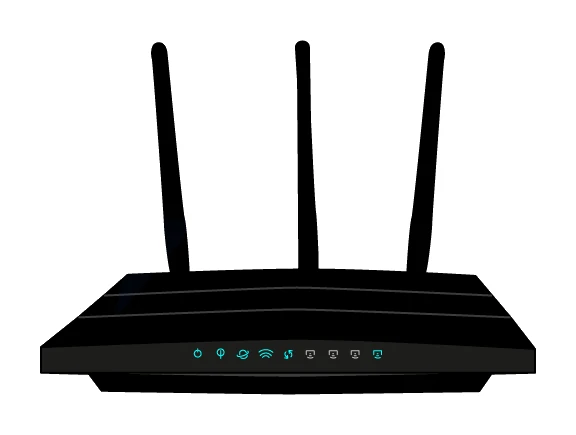
A router is a device that forwards data packets between different networks.
The router's main jobs:
- Connect a Local Area Network () to the wider internet () so home or office devices can reach the outside world.
- Read each packet's destination and decide which neighbouring router or device to forward it to next, using a routing table.
- Assign IP addresses to the devices on its LAN, usually via the DHCP protocol.
- Manage and prioritise traffic so the network stays responsive when many devices are using it.
- Convert between if needed.
The home box from an internet provider is a (often combined with a switch and a wireless access point in one unit).
What a router does — diagram/describe questions
What comes up: draw and annotate a diagram showing how a router works, or describe the role of a router in a network.
Write (three marks): (1) The router examines each incoming packet and reads the destination IP address from the packet header. (2) It forwards the packet toward its correct destination, choosing the fastest available route. (3) The router connects different networks (LAN to WAN) and can assign IP addresses to devices on the LAN.
Watch out: a router routes by IP address (not MAC address) — credit specifically requires the IP address to be mentioned. Simply writing "it sends data" earns no marks; you need the IP address detail.
Switch
A switch is a device that connects multiple devices on the same and forwards packets only to the specific device that needs them.
Switches read each packet's destination and send the packet only out of the port leading to that MAC. This is more efficient than the older hub, which simply broadcast every packet out of every port.
Wireless Access Point (WAP)
A Wireless Access Point (WAP) is a device that lets wireless devices join a wired network.
A WAP plugs into a wired network and broadcasts a Wi-Fi signal, letting laptops, phones and smart-home devices connect without cables. Modern home routers usually have a WAP built in.
Transmission media
The physical pathways down which the data travels:
- Copper twisted pair (the standard Ethernet cable): cheap, easy to install, lower speeds than fibre.
- Fibre optic: pulses of light through a glass thread; very fast, low signal loss, used for high-speed and long-distance links.
- Wireless (Wi-Fi, cellular): convenient but slower and more vulnerable to interference.
The five components at a glance
| Device | Role |
|---|---|
| NIC | Built into each device; lets it connect to a network |
| Router | Connects networks together; routes data between LANs and WANs |
| Switch | Connects devices on the same LAN; forwards packets by MAC address |
| WAP | Provides a wireless connection point to a wired network |
| Transmission media | Cables (copper, fibre) and wireless signals carrying the data |