Data Storage and Compression
Data Representation
reduces file size without removing any data. The original file can be perfectly reconstructed when the file is decompressed.
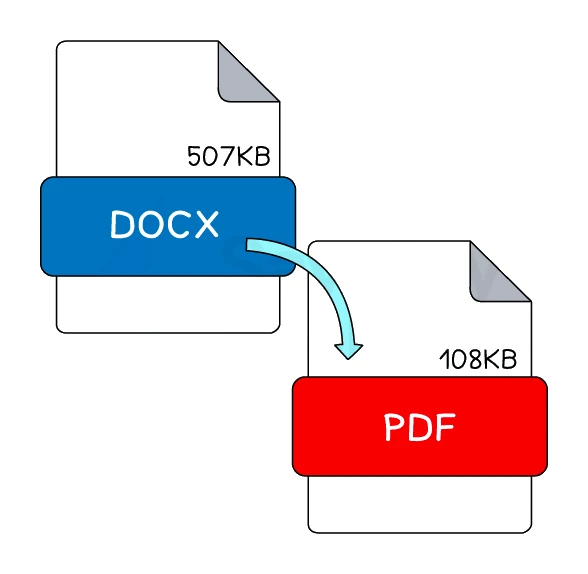
Key features:
- No data is lost. Every bit of the original can be recovered.
- The reduction in size is usually modest (typical lossless compression gives ratios from 1.5:1 to 4:1, depending on the content).
- It is the right choice when every bit matters: text documents, source code, spreadsheets, medical images, archival masters.
How it works: lossless methods look for patterns, redundancy and repetition in the data and replace them with a more compact code that can later be reversed. There are many algorithms; the one to focus on is run length encoding (RLE).
Exam tip
Describing how lossless compression shrinks a file
When asked to describe or explain how lossless compression compresses a file (4 marks in the one paper that set it, 5 in the specimen paper), the marks are for the mechanism. Say that a compression algorithm is used (one scheme also credited naming run length encoding), then describe the indexing both schemes credit: repeated characters, words or patterns are identified and stored once in an index that records how many times each occurs and where, so the file can be rebuilt exactly. Saying only that no data is lost scores one mark at most, and only in the specimen.
Common lossless formats: PNG images, FLAC audio, ZIP archives, GIF images, PDF documents (which use lossless compression internally).
Quick check
3 short questions on this note. See what has stuck, and where to look if something hasn't.